
Gaming know-how
Five things to check before you buy your first game
A short checklist to read before you spend anything: the device, the settings, the price, the length, and how to try before you buy.
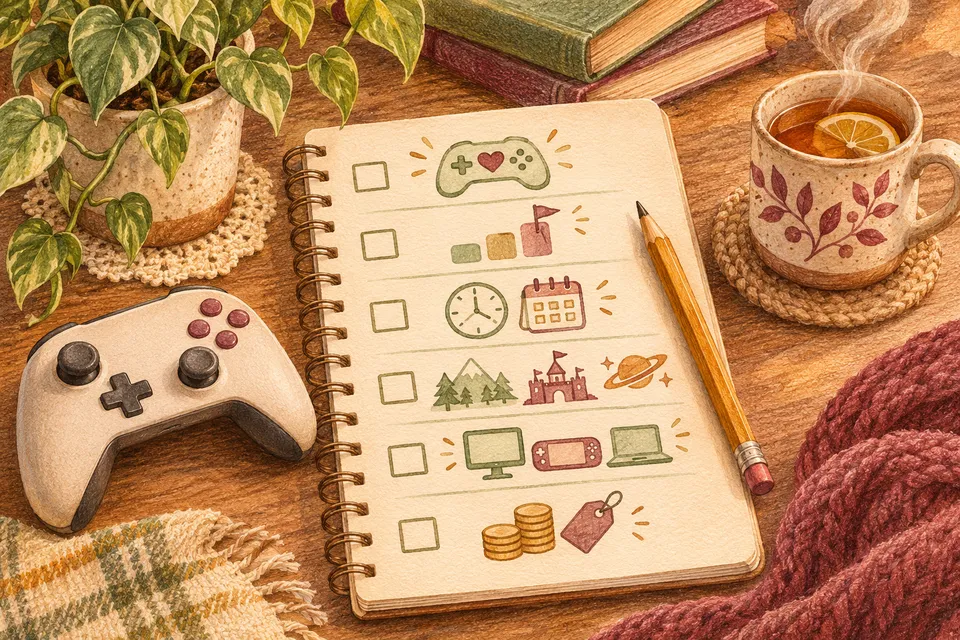
Buying a first game can feel like a guess. These five checks take a few minutes and remove most of the risk.
1. Does it play on what you own?
Every game lists the devices it runs on. "PlayStation 5" and "PlayStation 4" are different, as are "Xbox Series X|S" and "Xbox One". If you play on a computer, look for the "minimum requirements" and compare them with your machine, or ask in the community.
2. Does it have the settings you need?
Look for subtitles, adjustable text size and an easier difficulty. Many store pages now list accessibility features; reviews often mention them too.
3. What does it really cost?
Check whether the price is for the whole game, or whether parts are sold separately. Words like "season pass", "DLC" or "in-game purchases" mean there are optional extras. Many extras are optional, but what is included varies. Check the edition and any subscription or expansion requirements before buying.
4. How long is it?
Some games last an evening; others last months. Neither is better. If you'd like to try something without a long commitment, a shorter game is a lovely place to start.
5. Can you try it first?
Some games have a free demo. Some subscriptions let you play a library of games for a monthly fee, which is a good way to sample a few before buying any. And most stores have a refund policy, worth reading before you buy.